This post may contain affiliate links. This means if you click a link and purchase an item that I recommend, I will receive an affiliate commission at no extra cost to you. All opinions are my own.
If you create SVG designs for Cricut, Silhouette, or other cutting machines, you can turn those designs into digital products and sell them online. One of the biggest advantages of selling SVG files is that you create the design once and can potentially sell it multiple times without dealing with physical inventory or shipping.
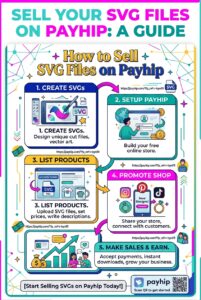
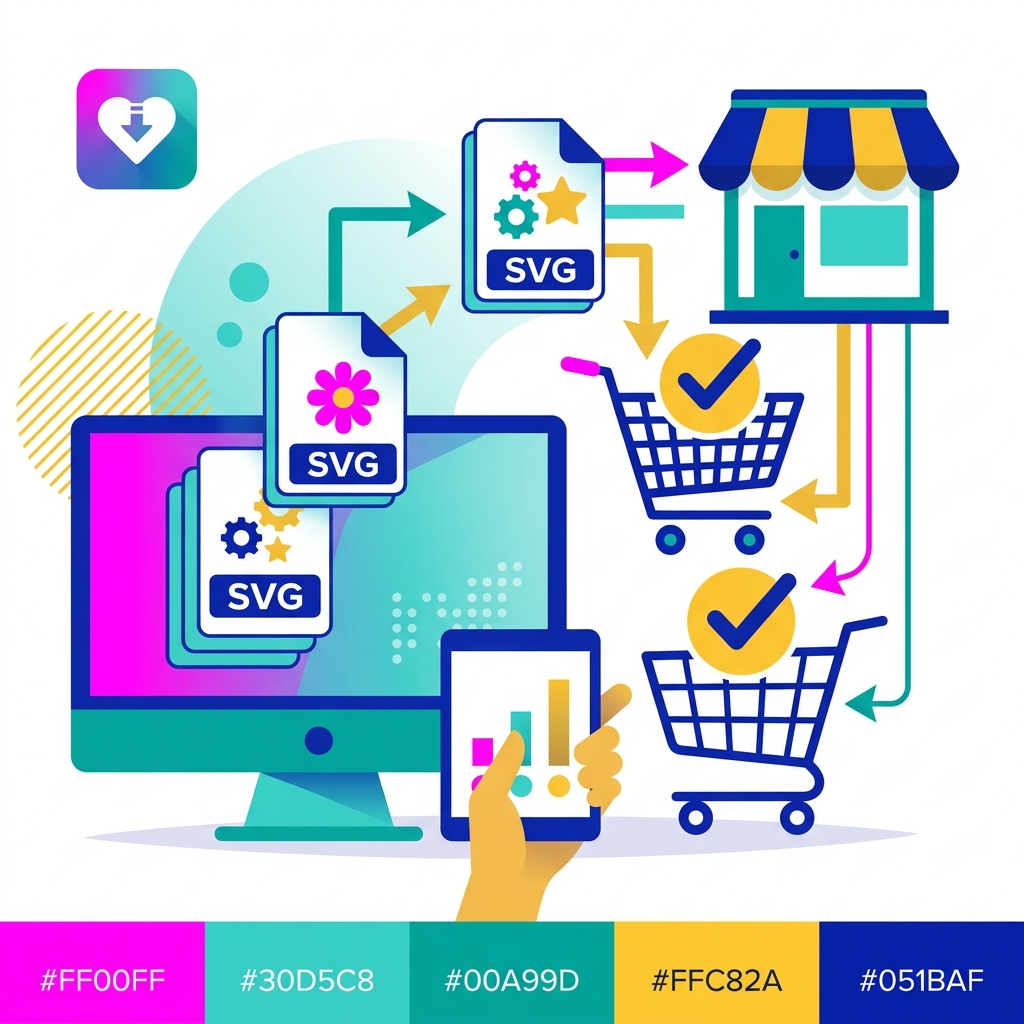
If you’re wondering how to sell SVG files on Payhip, the process is straightforward. Payhip is designed for digital products and allows you to upload your files, create product listings, accept payments, and automatically deliver purchases to customers.
Choose an SVG Niche
Before you start uploading files, decide what type of SVG designs you want to sell. Choosing a specific niche can make it easier to create products for a particular audience.
Some SVG ideas include:
- T-shirt designs
- Coffee mug designs
- Birthday SVGs
- Baby shower SVGs
- Wedding designs
- Seasonal and holiday SVGs
- Teacher SVGs
- Small-business designs
- Funny quote SVGs
- Craft fair designs
- Monogram SVGs
If you’re a Cricut designer, consider creating collections of designs around themes your customers already search for and use.
Create High-Quality SVG Files
Your customers need files that are easy to upload and use with their cutting machines. Make sure your SVGs are properly formatted and tested before listing them for sale.
Depending on your product, you may also want to include additional formats such as PNG, DXF, or EPS.
Consider organizing your files into a ZIP folder when you’re selling multiple file types or a large collection. Before publishing your product, test the files yourself to make sure they open correctly and cut as expected.
Create Your Payhip Store
Once your SVG designs are ready, it’s time to create your online store.
Start your Payhip store here and set up your digital product business. Payhip allows you to create a storefront and sell digital downloads without needing to build a complicated ecommerce website.
To add an SVG product, go to your Products section and select the option to add a digital product. You can upload your files, add a product title, set your price, upload a cover image, and write your product description. Payhip allows digital product files up to 5GB each.
Write a Product Description That Sells
Don’t simply write “SVG file” and expect customers to understand what they’re purchasing.
Your description should clearly explain what is included and who the product is for.
Include details such as:
- File formats included
- Number of designs
- Compatible cutting machines
- Whether the design is layered
- Personal or commercial-use information
- How the files are delivered
- Any software requirements
Your product images are also important. Show the SVG being used on shirts, mugs, signs, tumblers, or other finished projects so customers can see what they can create.
Price Your SVG Files
Your pricing can depend on the complexity of the design, the number of files included, and whether you’re selling an individual SVG or a bundle.
For example, you could offer individual designs at a lower price while creating larger themed bundles at a higher price. Bundles can give customers more value while increasing the amount they spend per order.
Payhip also supports pay-what-you-want pricing if that strategy makes sense for your products.
Let Payhip Deliver Your SVGs Automatically
One of the biggest benefits of using Payhip to sell SVG files is automatic digital delivery. After a customer completes a purchase, Payhip provides access to the download page and sends an email containing a download link.
This means you don’t have to manually send files to every customer.
Payhip also provides features designed for digital sellers, including download protection and unique download links.
Promote Your SVG Store
Creating great SVGs is only part of building your business. You also need to promote them.
Pinterest can be especially useful for showing finished Cricut projects. Instagram and TikTok can help you demonstrate how your designs look when used on real projects. You can also build an email list and notify customers whenever you release a new SVG collection.
Create content around the projects your customers can make rather than simply posting a picture of the digital file.
Start Selling SVG Files on Payhip
Learning how to sell SVG files can be a great way to turn your Cricut design skills into a digital product business. Start with a specific niche, create useful designs, build attractive product listings, and consistently promote your store.
If you’re ready to start selling, check out Payhip and create your store. With automatic digital delivery and tools designed for digital products, you can spend more time creating and less time handling orders.