This post may contain affiliate links. This means if you click a link and purchase an item that I recommend, I will receive an affiliate commission at no extra cost to you. All opinions are my own.
Selling digital products can be one of the easiest ways to create an online income stream—especially when you don’t have to manually send every file to every customer. If you’re wondering how to deliver digital downloads with Payhip, the good news is that Payhip can automatically handle delivery after a customer completes a purchase.
That means your customers can receive their files without you having to check your inbox, send individual emails, or manually process every order.
What Is Automatic Digital Delivery?
Automatic digital delivery means your customer receives access to their purchased files immediately after completing checkout.
With Payhip, customers who purchase a digital product are automatically directed to a download page where they can access their files. Payhip also sends an email receipt containing a link to the download page.
This is especially helpful if you’re selling products such as Cricut SVG files, templates, ebooks, printables, guides, graphics, patterns, or other downloadable resources.
Step 1: Create Your Digital Product
The first step is to add your digital product to your Payhip store.
Inside your Payhip dashboard, go to Products and select Add New Product, then choose Digital Product. You can upload multiple files, including PDFs, ZIP files, audio, video, and other supported file types. Payhip currently allows individual uploaded files up to 5GB.
If you’re ready to start selling, you can create your Payhip store here.
Step 2: Upload the Files Your Customer Will Receive
After creating your product, upload the files customers should receive after purchasing.
For example, a Cricut seller could upload an SVG bundle containing multiple designs. A template seller could upload a PDF containing instructions and a ZIP file containing editable templates.
Make sure your files are organized and clearly labeled before uploading them. A good customer experience starts with making your digital product easy to understand and use.
Step 3: Add Your Product Details
Give your product a clear title, price, description, and cover image.
Your description should tell customers exactly what they’re purchasing. Include information such as:
- What files are included
- File formats
- Number of files
- Software or machines required
- How the files can be used
- Any important instructions or restrictions
You can also provide a preview file so potential customers can see what they’re getting before they buy.
If you want an easy way to sell digital downloads with Payhip, you can set up your products without needing to build a complicated ecommerce system from scratch.
Step 4: Let Payhip Handle the Delivery
This is where automatic delivery becomes a major time-saver.
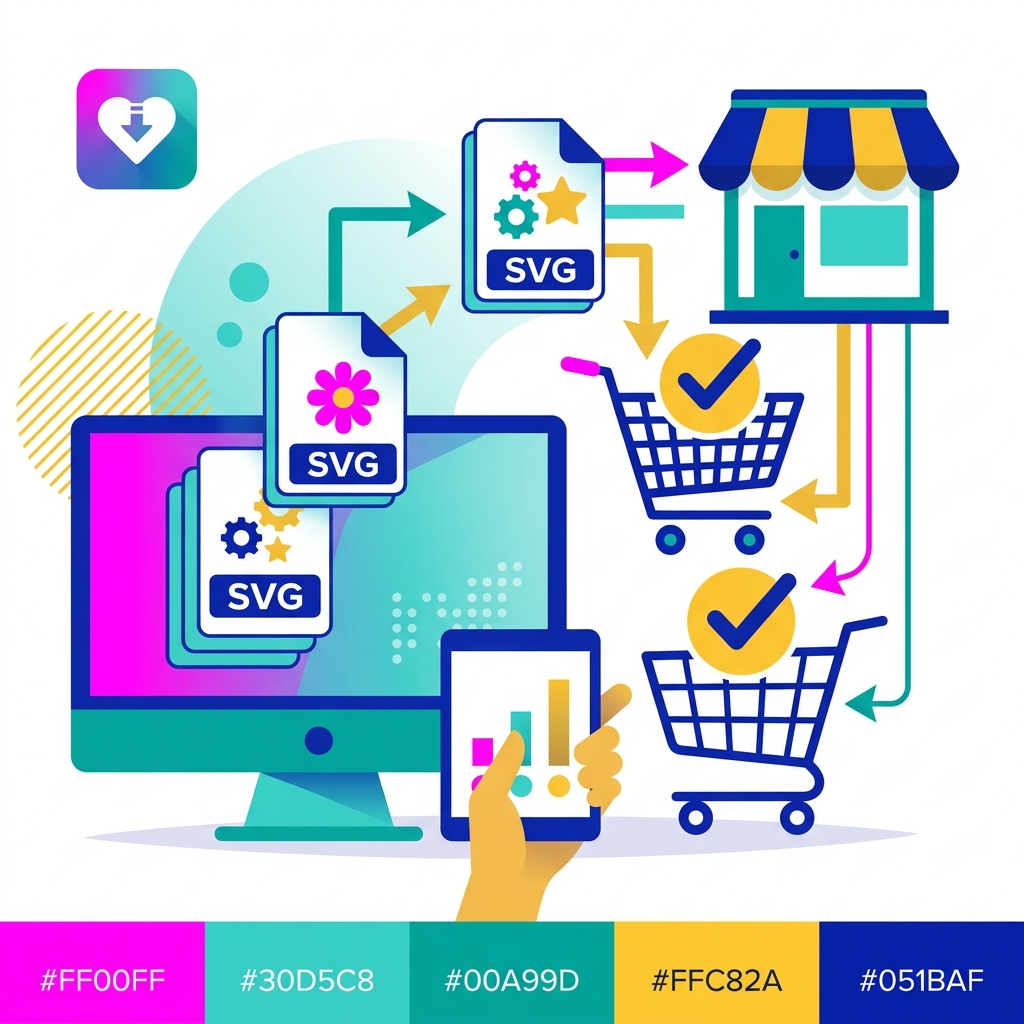
Once a customer completes their purchase, Payhip automatically sends them to their download page. The customer can access the files immediately, and Payhip also sends an email receipt containing their download link.
You don’t have to manually email the files after every sale.
This means you can make a sale while you’re working, sleeping, creating content, or doing something completely unrelated to your business.
Step 5: Test Your Customer Experience
Before promoting your product, test the entire purchasing process.
Payhip recommends using a 100% off coupon to test the checkout experience yourself. This lets you go through the process as a customer and make sure everything works correctly.
Check that:
- Your product files are correct.
- The download page works.
- The email receipt arrives.
- Your product instructions are easy to understand.
- Your customer knows what to do after purchasing.
Testing your delivery process can help prevent unnecessary customer-service messages later.
Make Your Download Page More Helpful
Your download page doesn’t have to be just a place where customers grab a file.
Payhip’s Content Editor allows sellers to create a more customized download experience with formatted text, additional resources, videos, and multiple download pages.
For example, a Cricut seller could include a thank-you message, download instructions, a tutorial video, and troubleshooting tips alongside the purchased files.
If you want to build your digital product business with Payhip, these small details can create a much better experience for your customers.
Final Thoughts
Learning how to deliver digital downloads with Payhip can save you a tremendous amount of time. Instead of manually delivering every purchase, Payhip can automatically provide customers with their download page and email receipt after checkout.
The process is simple: upload your files, create your product listing, set your price, test the checkout experience, and start promoting your product.
For Cricut sellers and digital product creators, automatic delivery means you can spend less time fulfilling orders and more time creating products, marketing your business, and growing your sales.
Start selling your digital products with Payhip and let automatic delivery handle the fulfillment for you
 .
.