This post may contain affiliate links. This means if you click a link and purchase an item that I recommend, I will receive an affiliate commission at no extra cost to you. All opinions are my own.
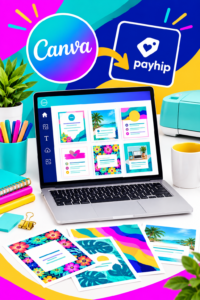
If you create beautiful Canva designs, you can turn those designs into digital products and sell them online. One of the simplest ways to get started is to sell Canva templates on Payhip, giving you a dedicated storefront where customers can purchase your templates and receive access to them digitally.
Payhip is designed for selling digital products, including templates, and you can start with a free account.
1. Choose a Canva Template to Sell
Start by deciding what type of Canva template your target customer actually needs. Think beyond simply creating something attractive. Your template should solve a problem or save your customer time.
Popular ideas include:
- Social media templates
- Business flyers
- Price lists
- Wedding invitations
- Planners
- Business cards
- Media kits
- Pinterest templates
- Ebook templates
- Workbooks
- Marketing templates
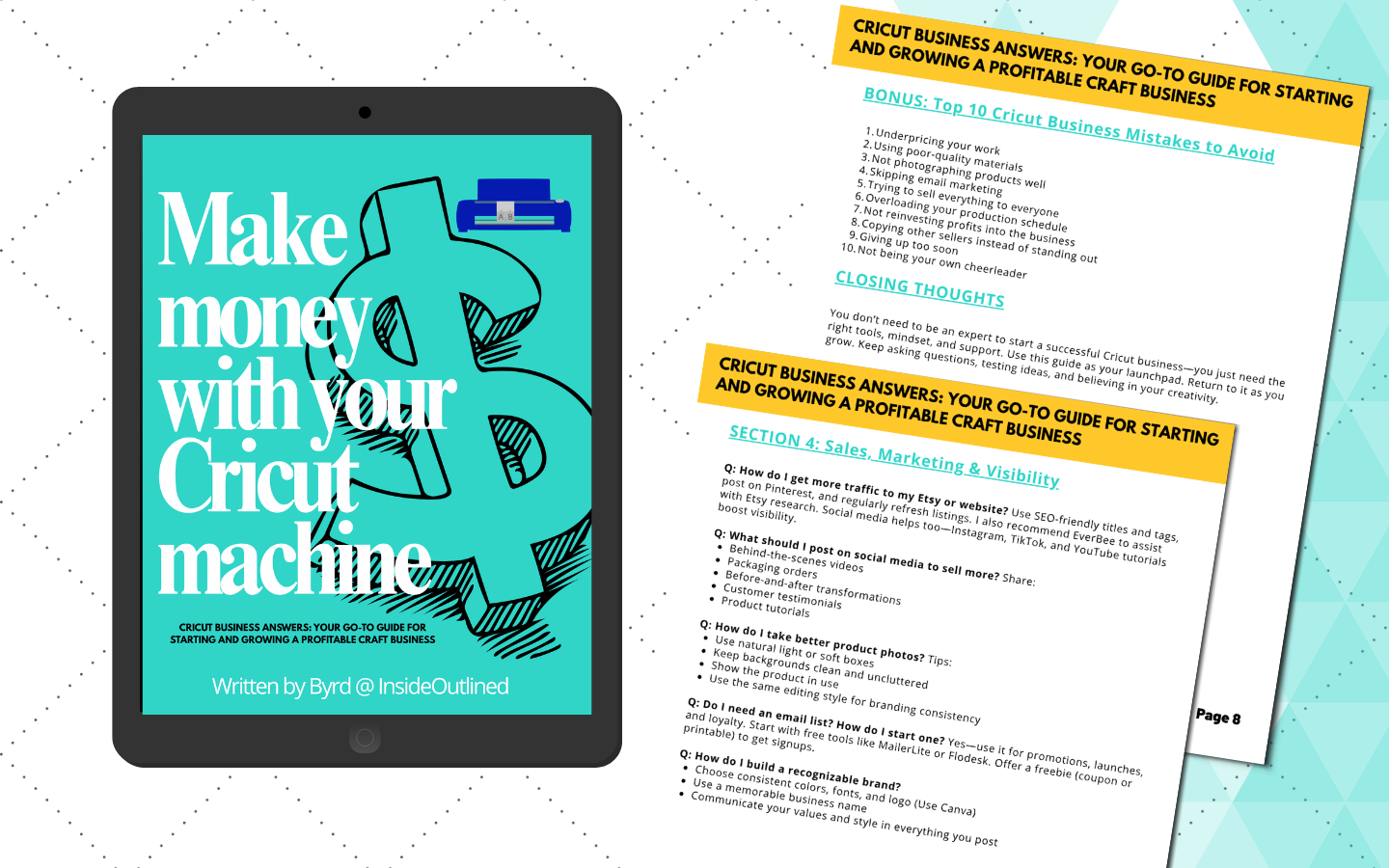
If you are a Cricut seller, you could also create templates that help other crafters with product listings, social media content, pricing, or business organization.
Before selling any Canva template, make sure your design and the Canva content you use comply with Canva’s current licensing requirements. Canva states that templates sold with Pro Content must be provided as Canva template links, and templates must be original designs.
2. Create Your Template in Canva
Once you have your idea, create the template in Canva. Focus on making it easy for your customer to customize.
For example, if you’re creating an Instagram template, leave editable areas for the customer’s photos, colors, business name, and text.
Create several pages or variations when appropriate. A bundle of related templates can increase the perceived value of your product.
Make sure your finished design is original and that the elements you use are permitted for the type of product you plan to sell.
3. Create Your Payhip Store
Next, create your Payhip account. You can get started with Payhip here.
Payhip allows you to create an online storefront without needing to build a separate ecommerce website from scratch. You can customize your storefront, add products, connect payment methods, and begin sharing your store link.
This makes Payhip especially useful if you’re just starting your digital product business.
4. Add Your Canva Template to Payhip
After creating your account, add a new digital product.
Because a Canva template is accessed online, you can provide customers with a PDF containing instructions and the Canva template link, or use Payhip’s content editor to provide access through the download page. Payhip specifically supports digital products that provide access through a link.
Your product listing should include:
- A clear product title
- High-quality preview images
- A detailed description
- What the customer receives
- Instructions for accessing the template
- Your price
- Any important usage or licensing information
You can learn more about selling templates through Payhip as you build your store.
5. Price Your Canva Templates
Don’t automatically price your templates at the lowest possible price.
Consider the time it took to create the template, the number of pages included, how specific the template is, and the value it provides to your customer.
For example, a single simple template might be inexpensive, while a 50-template bundle could command a higher price.
You can also experiment with bundles, discounts, and promotions. Payhip includes tools such as coupons and pay-what-you-want pricing that can help you test different offers.
6. Promote Your Canva Templates
Creating your product is only the beginning. You also need people to discover it.
Share your templates on Pinterest, Instagram, TikTok, YouTube, Facebook, and your email list. Create content showing potential customers how your templates save time or help them accomplish a specific task.
Always direct interested customers back to your Payhip store so they can view the product and complete their purchase.
Payhip also provides features for marketing, email updates, coupons, affiliates, and other promotional tools.
Start Selling Canva Templates on Payhip
Selling Canva templates can be a practical way to turn your design skills into a digital product business. The key is to create useful templates, follow Canva’s licensing rules, build professional product listings, and consistently promote your products.
If you’re ready to create your first digital product store, start with Payhip and begin turning your Canva designs into products you can sell online.