This post may contain affiliate links. This means if you click a link and purchase an item that I recommend, I will receive an affiliate commission at no extra cost to you. All opinions are my own.
Primary SEO Keyword: how to sell bundles on Payhip
If you sell digital products, courses, templates, SVG files, printables, or other online products, creating bundles can be a smart way to increase the value of your offers and encourage customers to purchase more than one product at a time.
Instead of asking customers to buy several products separately, you can package related products together and sell them as one convenient offer. Payhip makes this especially useful because you can create bundles containing digital products, courses, memberships, or a combination of these products.
If you’re ready to build your digital product business, you can get started with Payhip here.
What Is a Product Bundle?
A product bundle is a collection of multiple products sold together as one offer.
For example, imagine you sell Cricut SVG files individually for $5 each. Instead of only selling them separately, you could create a bundle containing 10 SVG collections and sell the entire package for $25.
The customer gets more value, while you have the opportunity to generate a larger sale from a single transaction.
Payhip allows bundles to include digital products, courses, memberships, or a mixture of these product types. You can also create bundles with one-time pricing or recurring subscription pricing.
Why Should You Sell Bundles on Payhip?
Learning how to sell bundles on Payhip can be valuable if you’re trying to grow your online store.
One major advantage is that bundles can increase the perceived value of your products. Customers may be more interested in purchasing a collection of related resources than buying each item individually.
Bundles can also help you:
- Increase your average order value
- Promote multiple products at once
- Create special offers
- Make older products more appealing
- Create beginner-friendly packages
- Build recurring revenue opportunities
- Give customers a complete solution instead of individual products
For Cricut sellers, for example, you could create a bundle containing SVG files, project instructions, commercial-use resources, printable guides, and bonus files.
If you’re looking for an easy platform to sell your digital products, check out Payhip here.
How to Create a Bundle on Payhip
Creating a bundle on Payhip is straightforward.
1. Log Into Your Payhip Account
Start by logging into your Payhip seller account.
If you don’t have an account yet, you can sign up for Payhip here.
Payhip provides tools for selling digital products, courses, memberships, subscriptions, and other products through an online storefront.
2. Go to Your Products
Once you’re inside your dashboard, navigate to your Products section.
Select Add New Product and choose the Bundle option.
Payhip’s official instructions specifically direct sellers to the Products page, where they can select Add New Product and then choose Bundle.
3. Name Your Bundle
Give your bundle a name that clearly communicates what customers are getting.
Instead of using a generic name like “Bundle 1,” make your title specific and benefit-focused.
For example:
- Cricut Beginner SVG Bundle
- Ultimate Party Printable Bundle
- Small Business Starter Bundle
- 100 Christmas SVG Bundle
- Cricut T-Shirt Design Bundle
A good name immediately tells shoppers what problem your bundle solves.
4. Add Products to Your Bundle
After creating your bundle, you can add the products you want customers to receive.
Payhip allows you to select the products included in your bundle from your existing products.
Try to choose products that naturally belong together.
For example, if you’re selling Cricut products, you could create a Cricut Business Starter Bundle containing:
- SVG files
- Pricing worksheets
- Product photography templates
- Business checklists
- Social media templates
- Craft fair planning resources
The goal is to make the bundle feel like a complete solution rather than a random collection of products.
5. Set Your Bundle Price
Pricing is one of the most important parts of creating a successful bundle.
Start by adding up the individual prices of everything included.
For example:
- Product A: $10
- Product B: $15
- Product C: $20
- Product D: $15
Individual value: $60
You could then offer the complete bundle for $39.
The customer sees a $60 value but has the opportunity to purchase everything for less.
Payhip lets you create multiple pricing plans for a bundle. These can include one-time payments, recurring subscriptions, payment plans, or even free pricing plans.
If you’re building your store from scratch, explore Payhip here.
6. Create a Strong Bundle Sales Page
Don’t overlook your sales page.
Your sales page should clearly explain what customers receive and why the bundle is worth purchasing.
Include:
- A clear bundle title
- The total number of products
- Individual product values
- Bundle price
- Savings
- Product previews
- Benefits
- Who the bundle is for
- What problem it solves
- A clear call to action
Payhip provides a sales-page editor that lets you customize the page for your bundle.
Think about your sales page from the customer’s perspective. They should be able to understand the value of the bundle within a few seconds.
7. Publish Your Bundle
Once your products, pricing, and sales page are ready, you can publish your bundle.
Payhip provides draft and published options, allowing you to work on your bundle before making it available to customers.
Before publishing, test everything.
Check the price, product descriptions, included products, images, checkout experience, and customer access.
Bundle Ideas for Cricut Sellers
If you’re a Cricut seller, there are many ways to use Payhip bundles.
Consider creating:
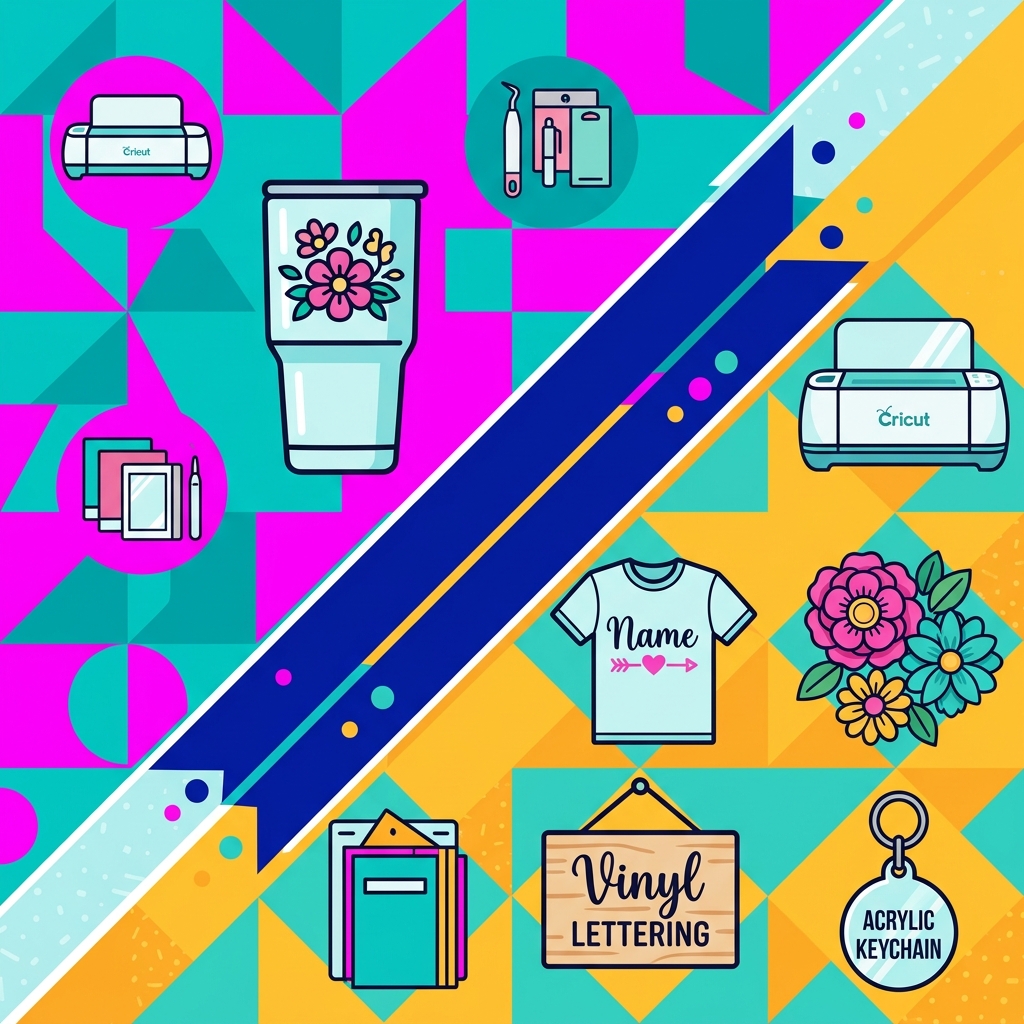
SVG Bundle: Combine multiple SVG collections around one theme.
Seasonal Bundle: Package Christmas, Halloween, Valentine’s Day, or graduation designs together.
Cricut Business Bundle: Include business worksheets, pricing guides, templates, and checklists.
Party Bundle: Combine invitations, cupcake toppers, favor tags, signs, and other party files.
Beginner Bundle: Create a collection specifically for someone learning Cricut for the first time.
Mega Bundle: Combine several smaller collections into one larger package at a higher price point.
These bundles can also become excellent promotions for your email list, Pinterest content, Instagram audience, and other marketing channels.
Consider Creating an All-Access Bundle
One particularly interesting strategy is creating an all-access bundle.
If your store contains many individual products, you can create a bundle that gives customers access to a large collection of your products.
Payhip even supports recurring subscription pricing for bundles, making this approach useful if you want to build recurring revenue.
For example, imagine you have 50 digital products in your store.
Instead of asking customers to purchase every product separately, you could create an all-access bundle where customers pay a monthly fee to access the collection.
This can turn your existing product library into a completely different revenue opportunity.
Promote Your Payhip Bundle
Creating the bundle is only the beginning.
Once it’s published, promote it consistently.
Share your bundle through:
- Instagram Reels
- Email marketing
- Your website
- Blog posts
- YouTube
- TikTok
- Customer promotions
You can also use coupons and limited-time promotions to encourage customers to purchase.
Payhip includes promotional tools such as coupons and referral discounts that can help sellers market their products.
For even more information about building your online store, start exploring Payhip here.
Final Thoughts
Learning how to sell bundles on Payhip can give your digital product business another powerful way to make sales.
Instead of only selling individual products, you can combine related products into valuable packages that make the buying decision easier for your customers.
Whether you’re selling Cricut SVG files, templates, printables, courses, memberships, or other digital products, a well-planned bundle can help you increase order values while giving customers more value for their money.
The key is to create bundles with a clear purpose. Don’t simply throw several products together. Think about what your customer needs, create a solution around that need, price it attractively, and promote it consistently.
If you’re ready to create and sell your own digital product bundles, check out Payhip and get started here
.