This post may contain affiliate links. This means if you click a link and purchase an item that I recommend, I will receive an affiliate commission at no extra cost to you. All opinions are my own.
If you recently bought a Cricut machine, I’m sure you want to know how to get familiar with your machine and how to use Cricut Design Space. Well this Cricut tutorial is part of a series that will have multiple post/videos. This Cricut tutorial will show you, step by step, how to Weld in Cricut Design Space.
When to weld
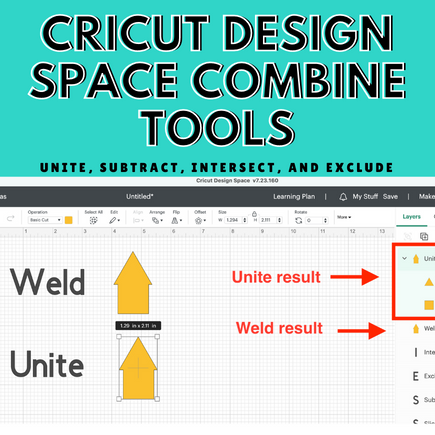
Welding can be done in Design Space with the click of a button. Welding is the process of merging 2 objects or shapes to become one. In the video below I show you how to weld a square and a circle to become one object.
How to weld
- Add objects or svg file to the canvas
- Select all objects you want to weld
- Click the weld button in the bottom right corner
https://www.youtube.com/watch?v=ih1JAzX7lkc
I hope you enjoyed this tutorial. Be sure to let me know if this Cricut tutorial was helpful. Don’t forget to share on Pinterest, Facebook groups and Instagram!