This post may contain affiliate links. This means if you click a link and purchase an item that I recommend, I will receive an affiliate commission at no extra cost to you. All opinions are my own.
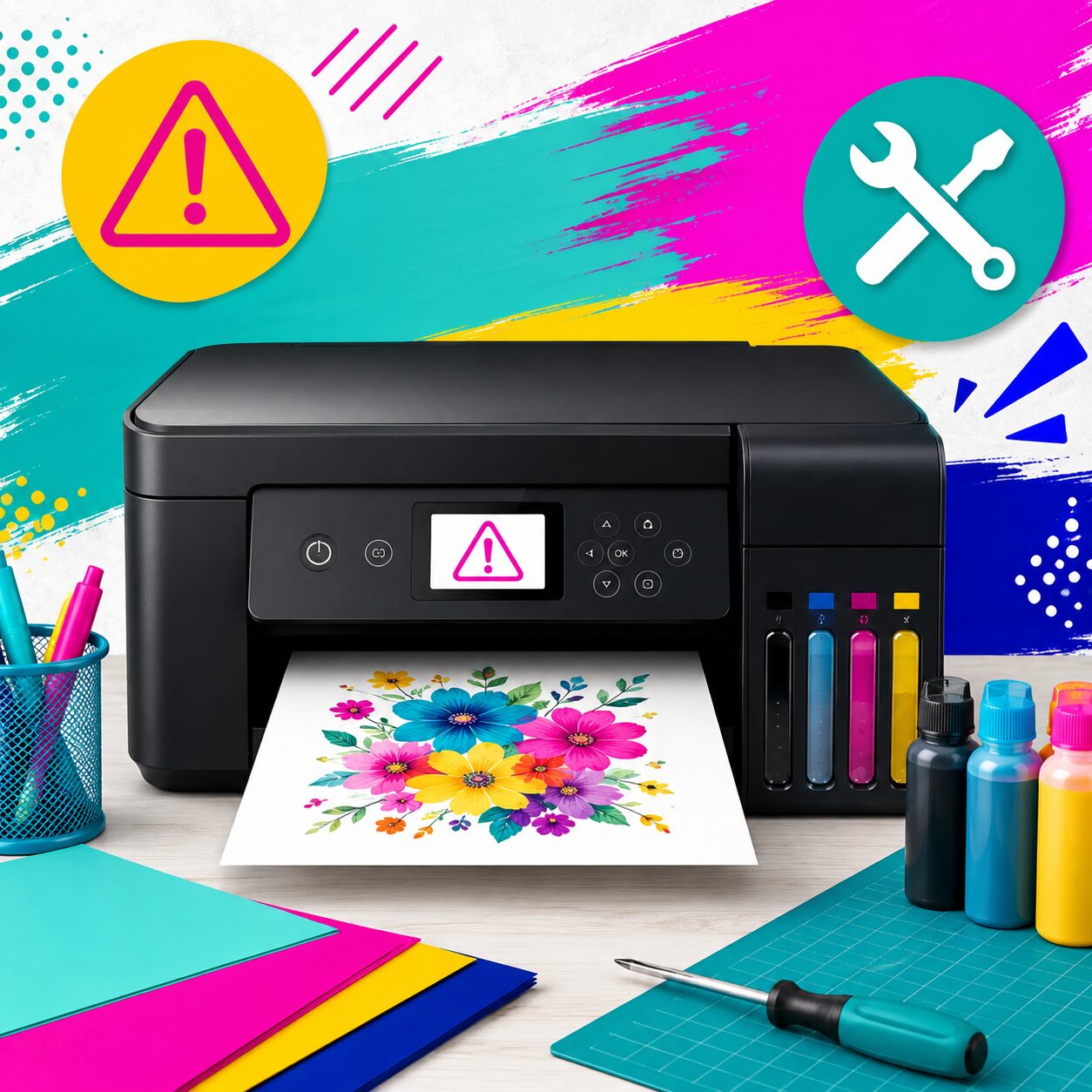
If you’ve ever turned on your Epson EcoTank printer and been greeted with the dreaded “Ink Pad Needs Service” message, you’re not alone. This error catches many crafters and sublimation business owners off guard, especially when their printer was working perfectly the day before.
The good news? In many cases, your printer is not broken. Before you spend money on repairs or replace your printer, it’s important to understand what this message means and what your options are.
If you’re a crafter using an Epson EcoTank for sublimation printing, this issue is extremely common because sublimation printers often perform frequent cleaning cycles that generate waste ink.
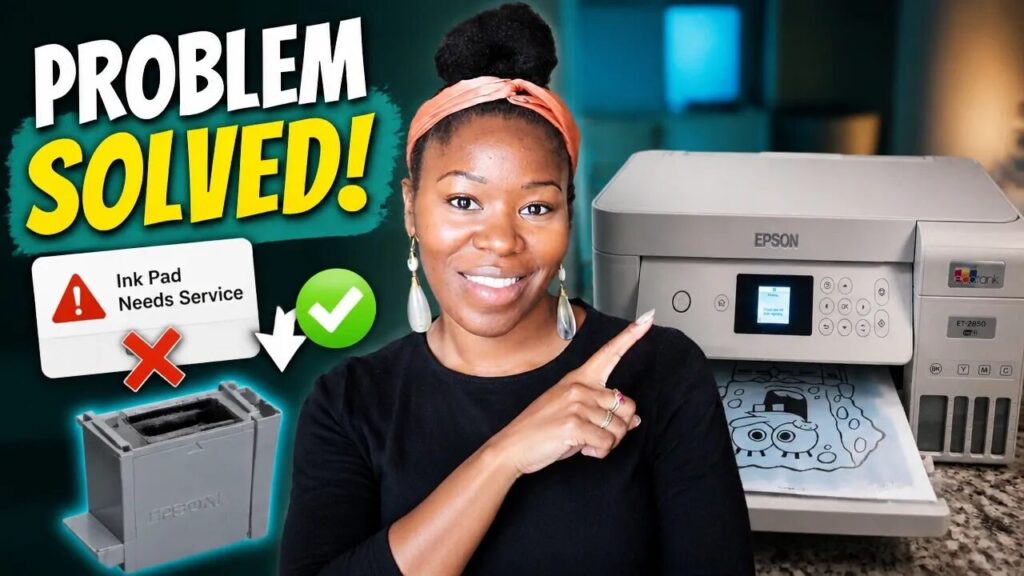
What Does “Ink Pad Needs Service” Mean?
Epson printers contain waste ink pads that collect excess ink from printhead cleaning cycles and maintenance procedures. Over time, these pads absorb more and more ink. Once the printer’s internal counter determines the pads are nearing capacity, Epson displays a warning message indicating that the ink pad is nearing or has reached the end of its service life.
The printer does this to prevent potential ink overflow and damage to the machine. Epson’s documentation explains that the ink pads collect ink that is not used on printed pages and eventually require servicing or replacement.
Is My Epson Printer Broken?
Usually, no.
Many Epson users panic when they see the message, assuming their printer has failed. In reality, the printer is often functioning normally, but a maintenance threshold has been reached. The warning is based on an internal counter rather than a direct measurement of the ink pad itself.
For crafters who print regularly, especially those using converted sublimation printers, reaching this maintenance point is simply part of printer ownership.
Common Fixes for the Epson Ink Pad Error
1. Reset the Waste Ink Counter
Many Epson users choose to reset the waste ink counter using a utility tool. This tells the printer that maintenance has been performed and allows printing to continue. However, resetting the counter alone does not physically replace or clean the ink pad.
2. Replace or Clean the Ink Pad
The long-term solution is to replace or service the waste ink collection system. Depending on your Epson model, this may involve:
- Replacing a maintenance box
- Cleaning waste ink pads
- Installing replacement pads (the exact one I used for my Epson ecotank 2850)
- Servicing the printer internally
Some Epson models use maintenance boxes that can be replaced, while others require additional servicing and counter resets.
3. Contact Epson Support
Epson officially recommends contacting support or an authorized service provider when the ink pad reaches the end of its service life.
However, many crafters prefer DIY solutions because professional service can sometimes cost nearly as much as replacing an entry-level printer.
Why Sublimation Users See This Error More Often
Sublimation printers tend to perform more maintenance cycles than traditional printers. Every printhead cleaning cycle sends waste ink into the collection system.
If you:
- Print frequently
- Run nozzle checks often
- Perform multiple head cleanings
- Use your Epson primarily for sublimation
You may encounter this warning sooner than someone using their printer occasionally for documents.
Watch the Video Before You Buy a New Printer
Many crafters assume they need a new printer when this error appears. In reality, there may be a much simpler solution depending on your printer model.
In my video, “Epson Printer Says Ink Pad Needs Service? Watch This First | Epson Ink Pad Needs Service Fix for Crafters,“ I walk through what this error means and discuss options available to Epson users before they spend money on unnecessary replacements.
Whether you’re using an Epson EcoTank for sublimation, stickers, print-then-cut projects, or everyday crafting, understanding this maintenance message can save you time, money, and frustration.
Final Thoughts
The Epson Ink Pad Needs Service Fix isn’t always as scary as it sounds. In most cases, the message indicates routine maintenance rather than a catastrophic printer failure.
Before replacing your printer, take time to understand the issue, evaluate your repair options, and determine whether a reset, maintenance box replacement, or ink pad service can get your printer back up and running.
For many crafters, a simple fix can extend the life of their Epson printer and keep their creative business moving forward.