This post may contain affiliate links. This means if you click a link and purchase an item that I recommend, I will receive an affiliate commission at no extra cost to you. All opinions are my own.
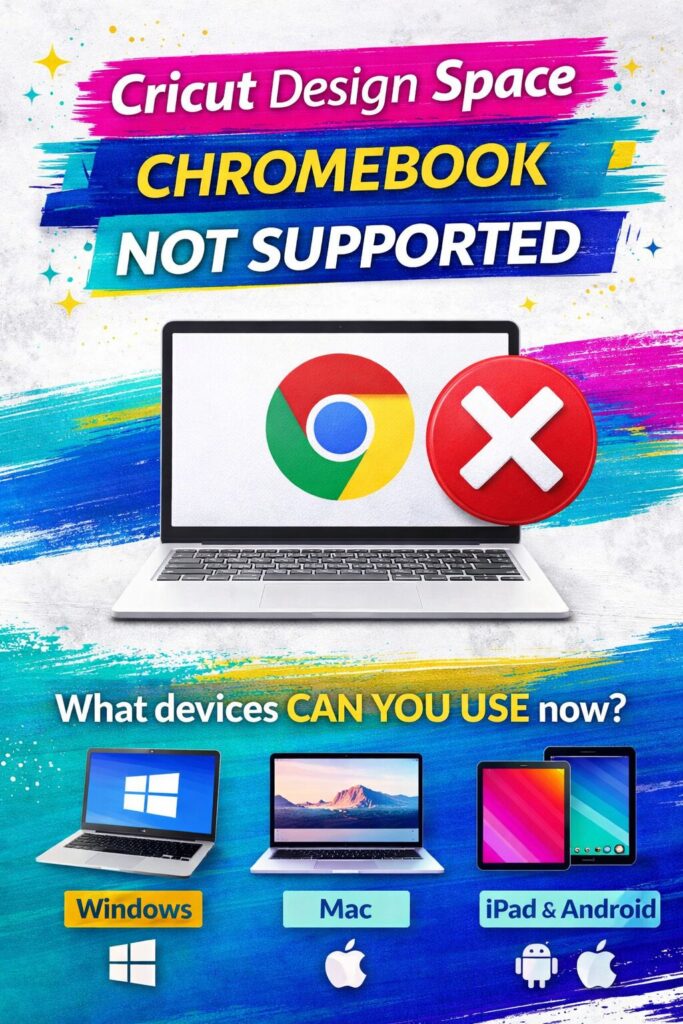
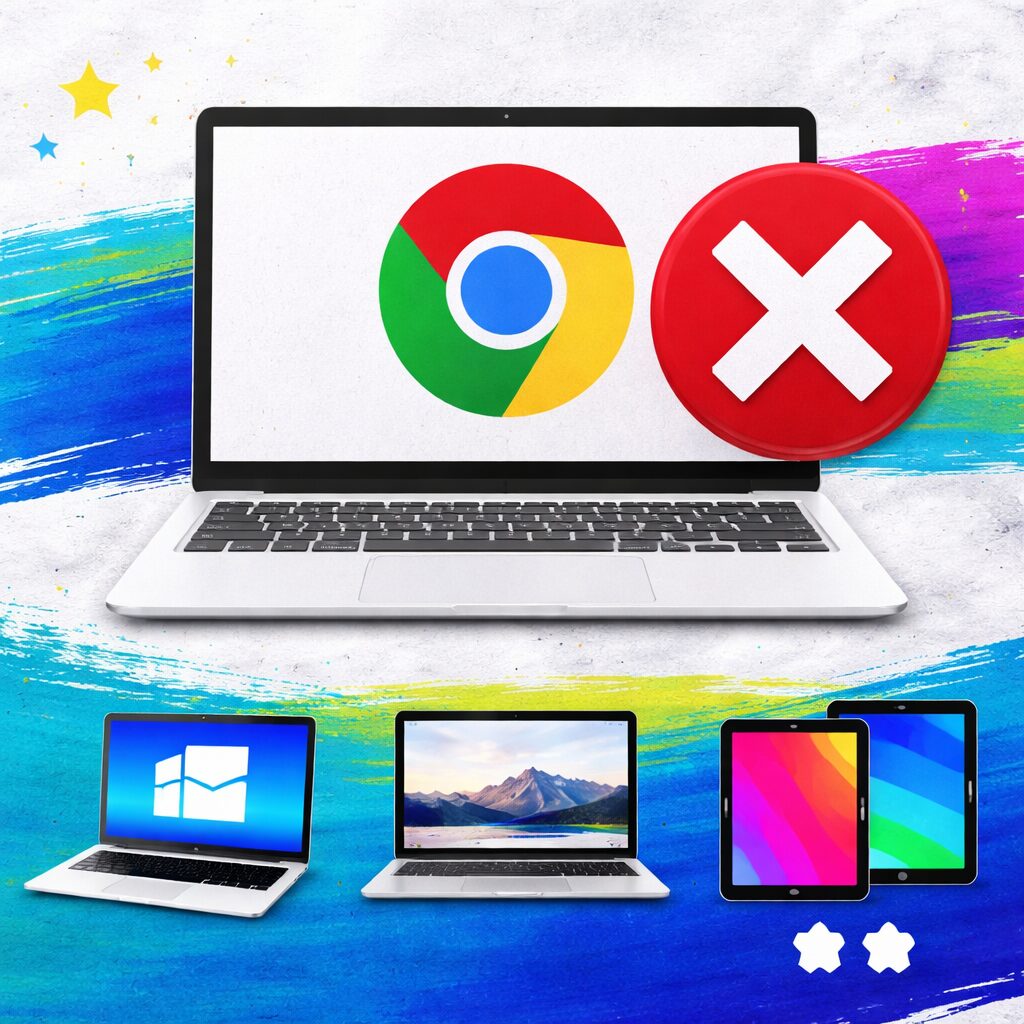
If you’ve tried using your Cricut machine on a Chromebook recently, you may have noticed something frustrating—it no longer works. That’s because Cricut Design Space for Chromebook is no longer supported, and the platform has officially moved away from browser-based access.
This change has left many Cricut users confused, especially beginners who purchased a Chromebook expecting it to work with their machine. In this article, we’ll break down what changed, why Cricut made this decision, and what you need instead.
Jump to Sections in this Post
Cricut Design Space Is No Longer Web-Based
Previously, Chromebook users could access Cricut Design Space through a web browser. That option is now gone.
Cricut has transitioned Design Space into a fully downloadable app, meaning:
- You must install the software on your device
- A browser-only version is no longer supported
- Chromebook users can no longer access Design Space
This shift allows Cricut to provide better performance, faster updates, and more advanced features—but it also means stricter system requirements.
Why Cricut No Longer Supports Chromebooks
There are a few key reasons Cricut discontinued Chromebook support:
1. Performance Limitations
Chromebooks are designed primarily for web-based tasks, not software-heavy applications. Design Space now requires more processing power than most Chromebooks can handle.
2. App-Based Functionality
Since Design Space is now a desktop and mobile app, it requires operating systems that support installation—something Chromebooks struggle with for this type of software.
3. Feature Expansion
Cricut continues to add new tools, features, and updates. Supporting Chromebooks would limit how advanced the software can become.
Current Cricut Design Space System Requirements
To use Cricut Design Space today, you need a compatible device that supports the app.
Supported Devices:
Windows Computers
- Windows 10 or later
- Intel or AMD processor
- Minimum 4 GB RAM (8 GB recommended)
Mac Computers
- macOS 11 (Big Sur) or later
- Apple Silicon (M1/M2) or Intel processor
iOS Devices
- iPhone or iPad with iOS 15 or later
Android Devices
- Android 9.0 or higher
What Happens If You Try to Use a Chromebook?
If you attempt to use Cricut Design Space on a Chromebook now, you may experience:
- Inability to install the app
- Error messages when trying to access Design Space
- Failed connections to your Cricut machine
- Limited or completely blocked functionality
In most cases, the platform simply won’t work at all.
What Should You Use Instead?
If you currently own a Chromebook, you’ll need to switch to a supported device to continue using your Cricut machine.
Best Options:
- Windows Laptop (Best Budget Option)
Affordable and widely compatible with Cricut Design Space. - MacBook (Best Performance)
Ideal for advanced users, designers, and business owners. - iPad or Tablet (Best for Portability)
Great for simple projects, but may have limitations for advanced design work.
Can You Still Use a Chromebook for Cricut?
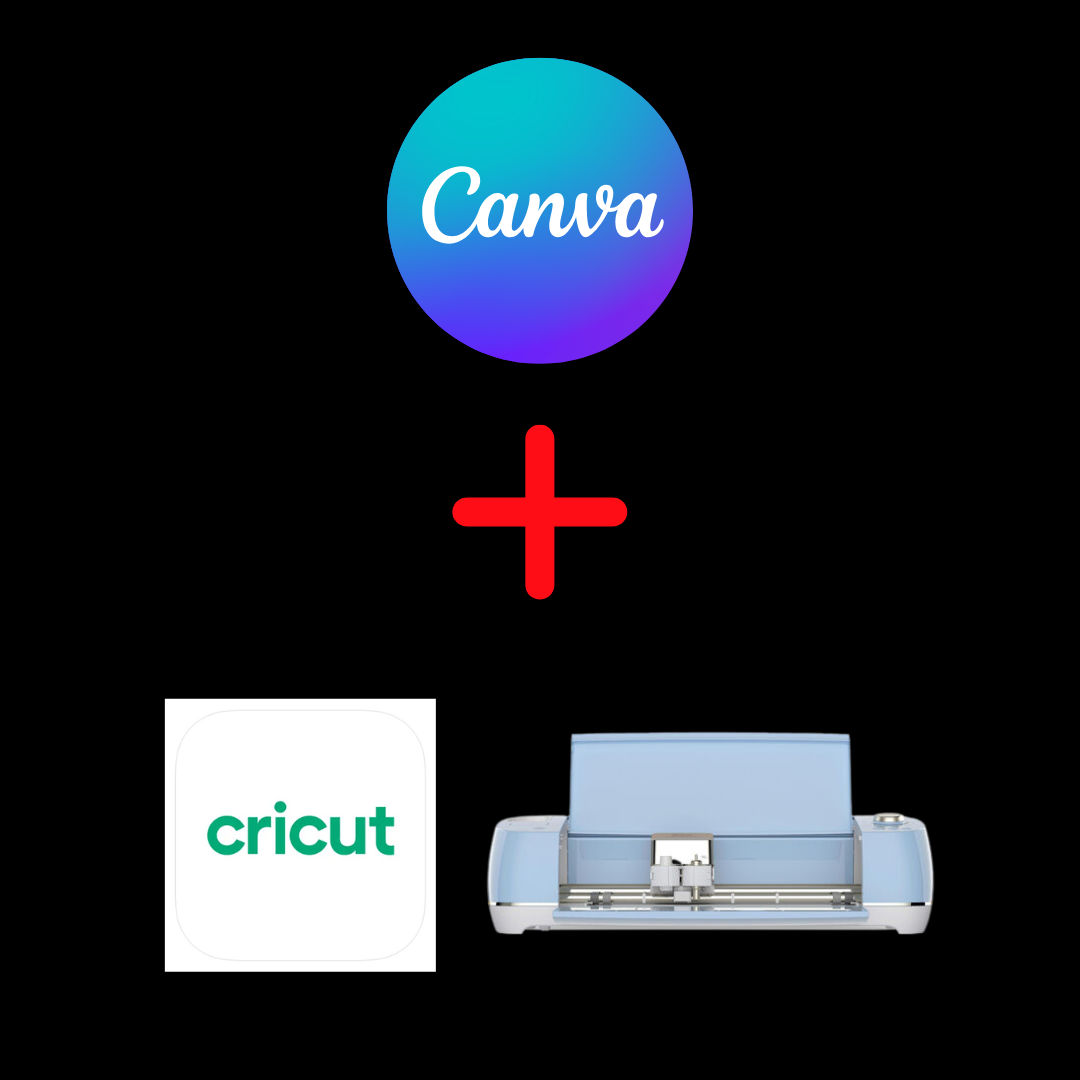
While you can’t run Design Space on a Chromebook anymore, you can still use it for:
- Designing in Canva
- Creating SVG files
- Managing your Etsy or Shopify store
- Researching trends and ideas
However, you will need a second device to actually cut your designs.
What This Means for Cricut Beginners
If you’re just starting out, this update is important to know before you invest in your setup.
To avoid frustration:
- Do not rely on a Chromebook as your main Cricut device
- Make sure your computer meets Cricut’s system requirements
- Plan for software compatibility before purchasing your machine
This can save you time, money, and unnecessary stress.
Final Thoughts
The shift away from Chromebook support may feel inconvenient, but it reflects Cricut’s move toward a more powerful and feature-rich platform.
If you’re serious about crafting or starting a Cricut business, using a supported device like a Windows PC, Mac, or tablet will give you a much smoother experience.
Understanding that Cricut Design Space Chromebook not supported is now the reality will help you set up your workflow correctly and avoid common beginner mistakes.